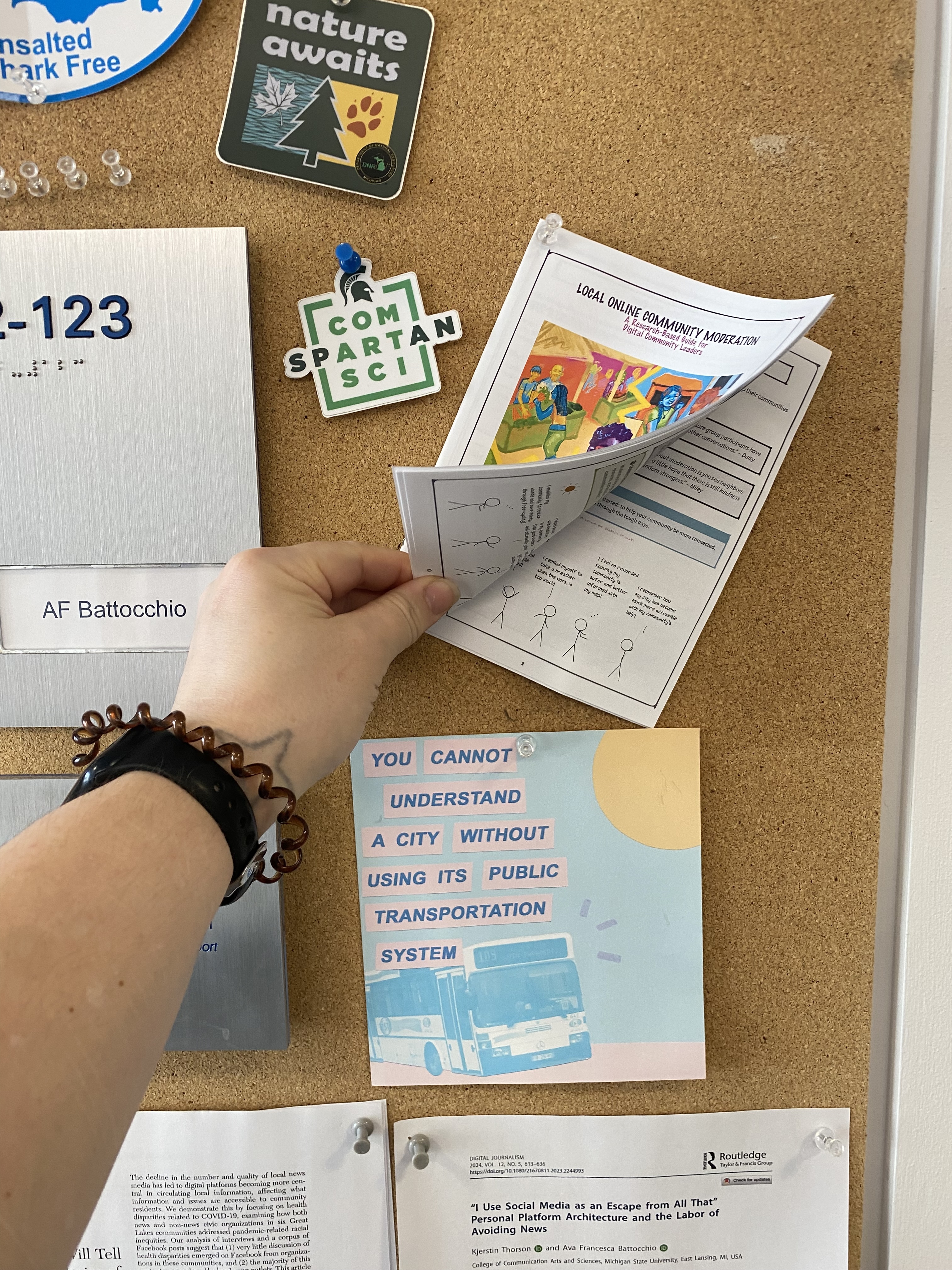
Printing Instructions
Follow these steps to print your own copy of the Local Online Community Moderation zine.
Materials Needed
- The self-print PDF
- 5-6 sheets of 8.5 x 11 inch paper
- A printer with double-sided printing capability
Print Settings
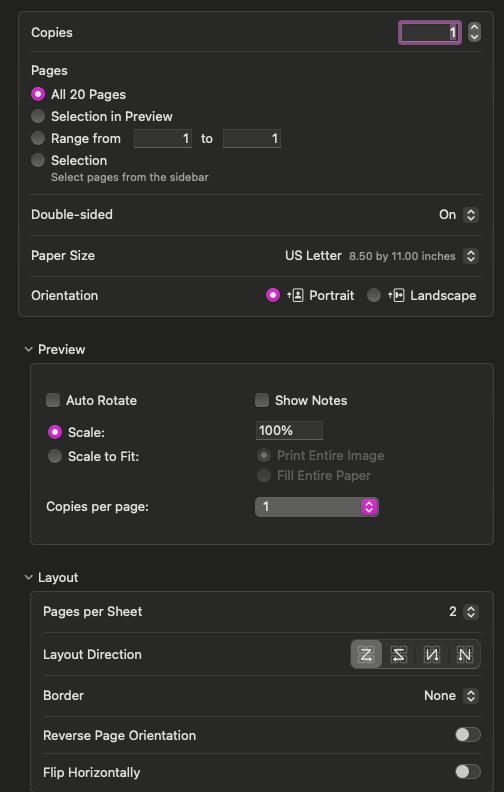
Open the self-print PDF in Preview (Mac) or Adobe Reader and use these settings:
- Paper size: 8.5 x 11 inches
- Copies: Double-sided on
- Layout: 2 pages per sheet
- Paper orientation: Portrait
- Layout direction: First option (left to right, top to bottom)
Important Note
Some pages may appear upside down in the preview—this is intentional. The upside-down pages ensure everything prints correctly when you fold the zine.
After Printing
- Stack the printed pages in order
- Fold the stack in half
- Staple along the spine (optional but recommended)
Your zine is ready to read!